
User Guide – MTM Healthcare
Log into Acuity. Click Reports.
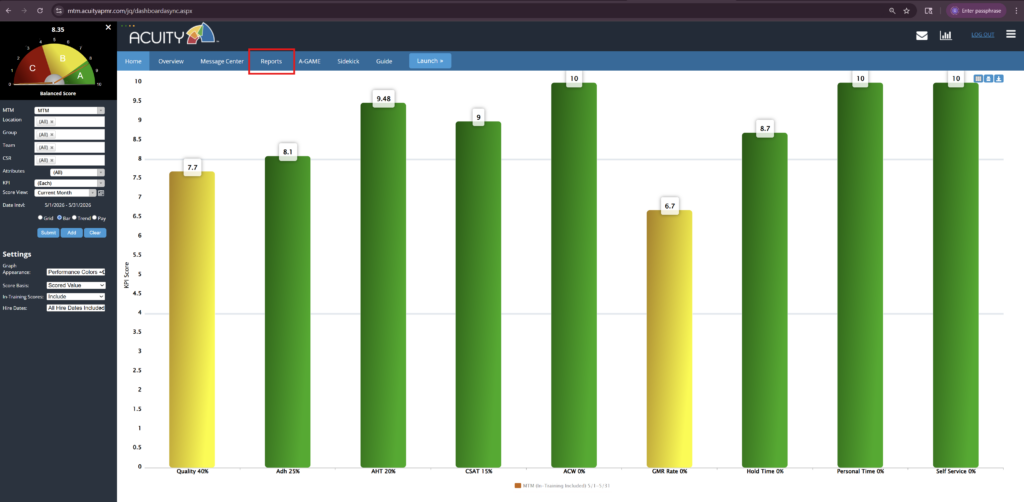
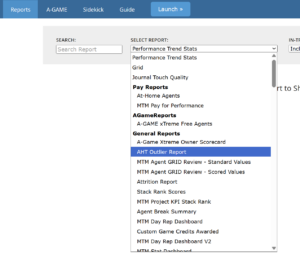
From the Reports drop-down, click AHT Outlier Report,
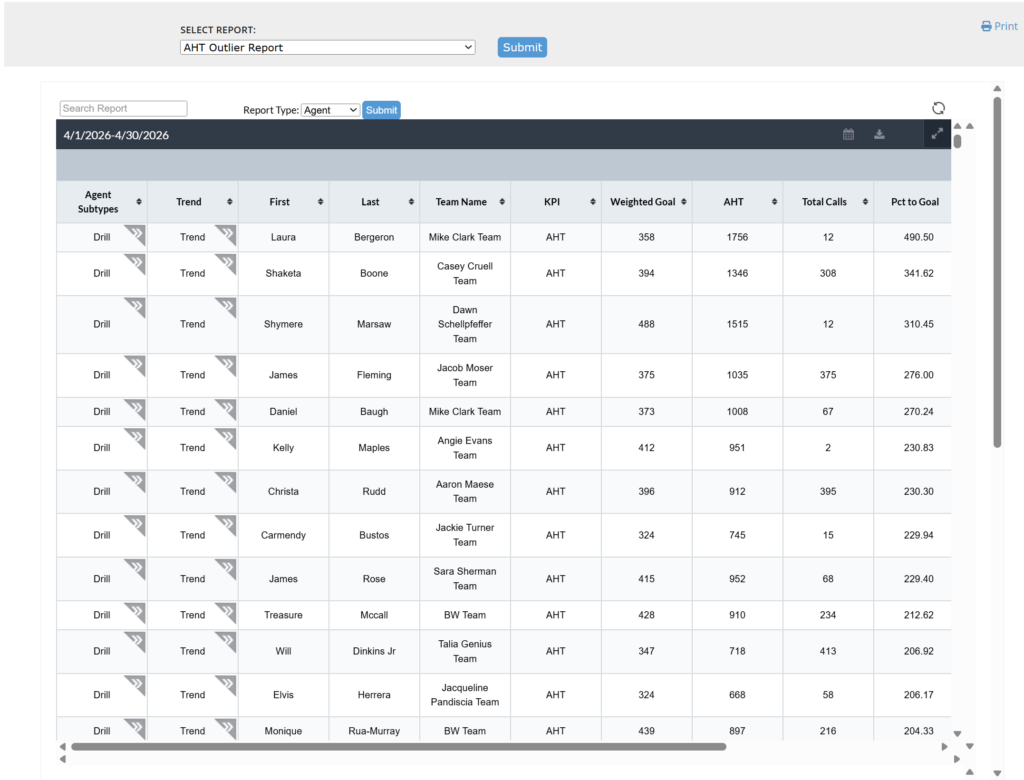
Then set the Report Type (Agent, Summary, Subtype) and the date range (Score View) as desired, and click Submit.
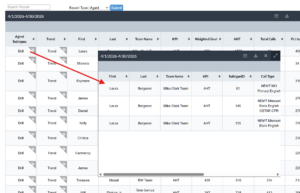
Click any cell with the “chevron” mark in its upper left hand corner to drill further into the related cell data.
///
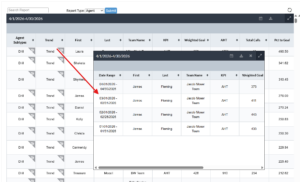
Within the tool bar, the date range can be modified and refreshed, report export to csv format, and expand view options are available.
